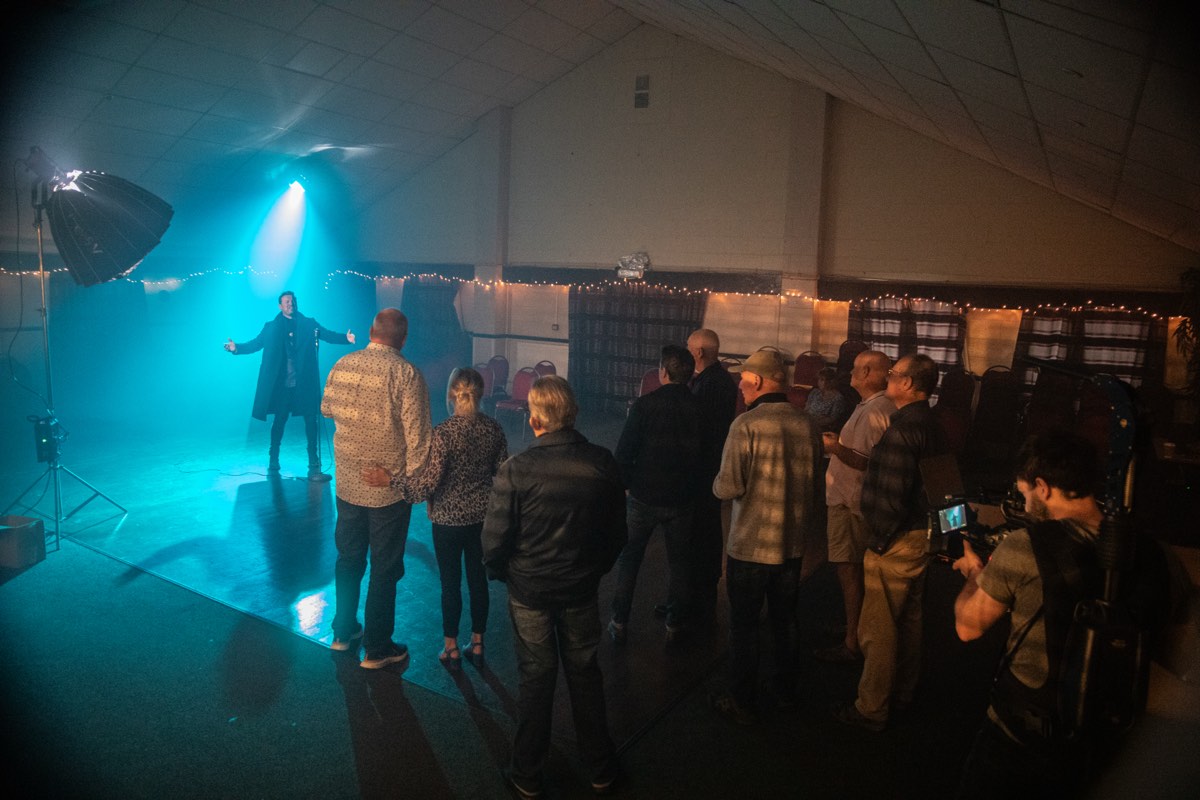
Event videography is one of the most technically demanding forms of video production, and the hardest to fix in post if things go wrong on the day. Unlike a corporate shoot or a brand film where you can control the environment, an event happens once, in real time, and you either capture it or you do not. There are no second takes at a product launch. The CEO is not going to repeat their keynote because your audio feed dropped out.
I have filmed everything from 30-person board presentations to multi-day festivals with thousands of attendees. The principles are the same regardless of scale: preparation, communication with the organiser, redundancy on audio, and the ability to move quickly without losing technical quality. This guide covers what to think about if you are commissioning event videography, and how to brief your videographer so they deliver what you actually need.
Not all events need the same approach
The first conversation I have with any event client is about the intended output. Because the type of event determines the crew size, the equipment, and the editing approach. Here are the main categories:
Conferences and keynotes. The priority is capturing speaker content clearly. That means locked-off camera positions, clean audio feeds from the PA system, and a plan for slides or screen content. If the speakers are using presentation decks, I need to capture those separately, either via a direct HDMI feed or a dedicated camera pointed at the screen. Trying to film a projection screen with the same camera that is filming the speaker never looks good.
Awards ceremonies. These are about moments. The reaction when the winner is announced. The handshake on stage. The acceptance speech. You need a camera operator who can anticipate these moments, not react to them. By the time you hear the name and swing the camera, the reaction is over. I pre-position based on the nominee list and watch the faces, not the stage, until the moment hits.
Product launches. These combine elements of conference filming (the presentation) with brand filming (the product reveal, the atmosphere, the attendee reactions). They often need both locked-off coverage and a roaming operator, which means either a second camera operator or a single operator who is very deliberate about when to be static and when to move.
Festivals and outdoor events. High energy, unpredictable lighting, loud audio, large crowds. These are the most physically demanding and the hardest to control. The footage needs to convey atmosphere above all else. Tight shots of faces, hands, food, details. Wide establishing shots. Movement and energy. The edit will be a highlights reel, not a linear record, so the shooting style should reflect that.
Single operator vs multi-camera: when you need more
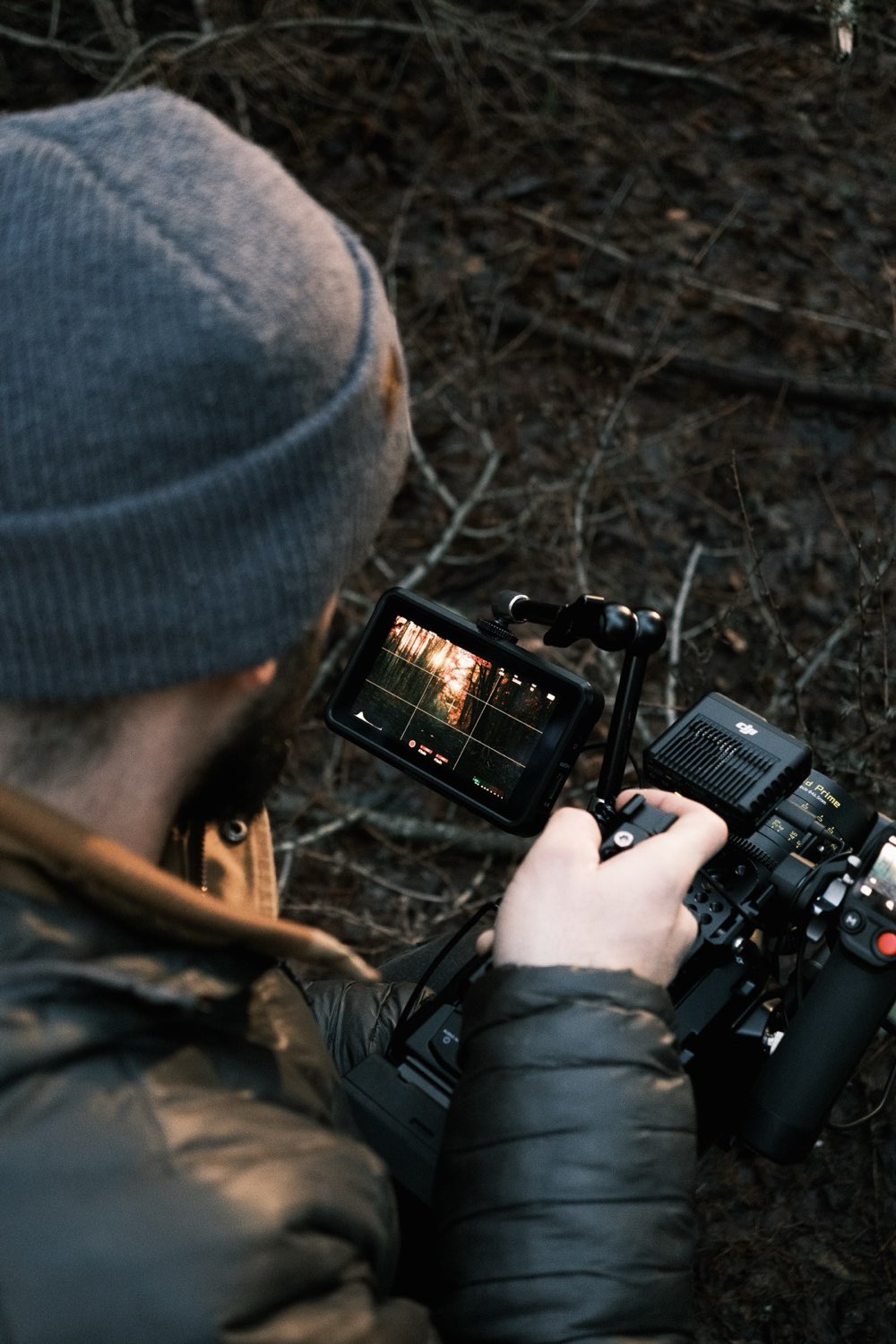
Most events can be covered by a single experienced operator. That is not a budget compromise. It is often the best approach. A single operator who knows what they are doing will capture a more cohesive, better-edited piece than two operators who are not coordinating effectively. One person controls the visual narrative. Two people need a plan, clear communication, and enough experience to know when to hold a shot and when to move.
You need multi-camera when:
- The event has simultaneous activities. If there is a main stage and breakout sessions running at the same time, one operator cannot be in two places.
- You need continuous coverage of a speaker or panel. A single camera on a speaker means every cut in the edit is a jump cut. Two cameras at different angles give you clean cut points.
- The venue is large. A 200-person gala dinner in a hotel ballroom needs wide coverage and close-up coverage simultaneously. One operator would spend the entire evening walking back and forth and missing moments in transit.
- You want a live stream and post-produced content. The live stream needs a locked-off wide shot for reliability. The post-produced edit needs dynamic, cinematic coverage. Those are different cameras doing different jobs.
For larger productions requiring multiple operators, a director or producer on site, or live switching between camera feeds, that is where Singularity Film handles the production. For single or dual operator event coverage, reach out directly.
Audio: the thing that ruins most event footage
I say this to every event client: audio will make or break your event video. Not the 4K resolution. Not the drone shot of the venue exterior. Audio. If the viewer cannot hear the speaker clearly, the video is useless regardless of how beautiful the images are.
Event audio is challenging for specific reasons. You are in a large room with hard surfaces that create echo. There is ambient noise from the audience, from HVAC systems, from catering in adjacent rooms. The PA system is designed to fill the room with sound, not to provide a clean isolated feed to a camera.
My approach to event audio is belt and braces. I take a direct feed from the PA system or soundboard whenever one is available. That gives me a clean, isolated signal of whatever is going through the speakers. I also run wireless lavalier microphones on key speakers as a backup and as a source for tighter, more intimate audio. And I record ambient room tone so the edit has options for atmosphere. If the PA feed is noisy, I have the lav. If the lav has rustle from the speaker's clothing, I have the PA feed. Redundancy is not paranoia when you are filming something that only happens once.
If your venue has a sound engineer, put me in touch with them before the event. A five-minute conversation about audio feeds saves hours of problem-solving on the day.
What to brief your videographer on
The quality of your event video is directly related to the quality of your brief. I am not asking for a 20-page document. I am asking for clear answers to these questions:
- What is the intended output? A 90-second highlights reel for social media? A full recording of every session for your website? A recruitment-focused film showing your company culture at the annual conference? These are three completely different briefs that require different shooting approaches.
- Who are the key people? Send me names and photos. If there is a CEO, a guest speaker, a client who has flown in from overseas, I need to know who they are so I can prioritise them in the coverage.
- What is the running order? I need to know when things happen so I can be in position before they start, not scrambling to get there while they are already underway.
- Are there any restricted areas? Some corporate events have sections where filming is not permitted. Investor meetings, closed-door sessions, areas with visible confidential information on screens. Tell me in advance rather than having someone stop me mid-shot.
- What is the lighting situation? If you know the venue, send me photos of the space. If you are bringing in event lighting, put me in touch with the lighting designer. I need to know what I am working with before I arrive.
- Where does the video go? This determines the delivery format, the aspect ratio, the length, and the tone. A video for LinkedIn has a different rhythm than one for your company intranet.
Turnaround: how long the edit takes
This is the question I get most often, and the answer depends entirely on what you asked for.
A same-day or next-day social media highlights reel is possible. I have done it many times. But it means I am editing in the car on the way home or in my hotel room that evening. The footage gets a quick grade, a fast cut to music, and it goes out while the event is still fresh. This is great for social momentum. It is not going to be your polished brand piece.
A polished highlights reel with proper grading, sound design, and graphics takes one to two weeks. That allows time for a considered edit where I can watch all the footage, pull the strongest moments, structure a narrative, and grade it properly.
Full session recordings with chapter markers and titles take two to three weeks depending on the volume. A two-day conference with twelve sessions is a lot of content to process, synchronise, and deliver.
I always agree the turnaround before the event and build it into the quote. If you need fast turnaround, tell me upfront so I can plan my shooting and file management accordingly. Shooting everything in 8K RAW looks beautiful but takes three times longer to process than shooting in a more edit-friendly codec. Those are decisions I make based on the delivery timeline.
Live streaming vs post-produced: different tools, different results
These are fundamentally different things, and I see a lot of confusion between them.
A live stream broadcasts your event in real time to a remote audience. It requires a stable internet connection (ideally hardwired, not WiFi), a camera position that provides clean continuous coverage, and someone monitoring the stream quality throughout the event. The quality of a live stream is limited by the internet connection and the encoding. It will not look as good as post-produced footage. But its value is immediacy. People who cannot attend the event can watch it happen live.
Post-produced content is filmed during the event and edited afterwards. It can use multiple camera angles, incorporate graphics and music, cut between the strongest moments, and be graded and polished. It looks significantly better than a live stream, but it is not available until after the event.
Some clients want both, which is entirely possible. The live stream runs on a locked-off camera with a dedicated feed, while I work alongside it with the cinema camera capturing the footage that will become the post-produced piece. The two do not interfere with each other, but they do need separate planning.
Getting more value from your event footage
A well-filmed event generates far more content than a single highlights reel. Think about what else that footage can become:
- Speaker clips for social. Pull the strongest 60-second segments from each speaker and post them individually. Tag the speaker. They will share it with their network, extending your reach well beyond your own following.
- Testimonial content. If I grab quick interviews with attendees during breaks, those become testimonial assets you can use in marketing for the next event.
- Internal communications. A cut of the event for internal use shows the wider team what happened. Especially valuable for remote employees who could not attend.
- Recruitment content. Your annual conference or awards dinner is proof of your company culture. A well-edited version of that footage is a recruitment asset.
Plan for these secondary outputs before the event, not after. If I know you want attendee interviews, I will schedule time for them. If I know you want individual speaker clips, I will shoot each session with that output in mind. The best event videography happens when the brief is clear, the communication is open, and the videographer has enough information to make smart decisions in real time.
Related
- How to prepare your team for a video shoot
- Video content strategy for businesses
- Social media video vs brand film
Event coming up?
Professional coverage with clean audio, cinema cameras, and fast turnaround.
Get in touch